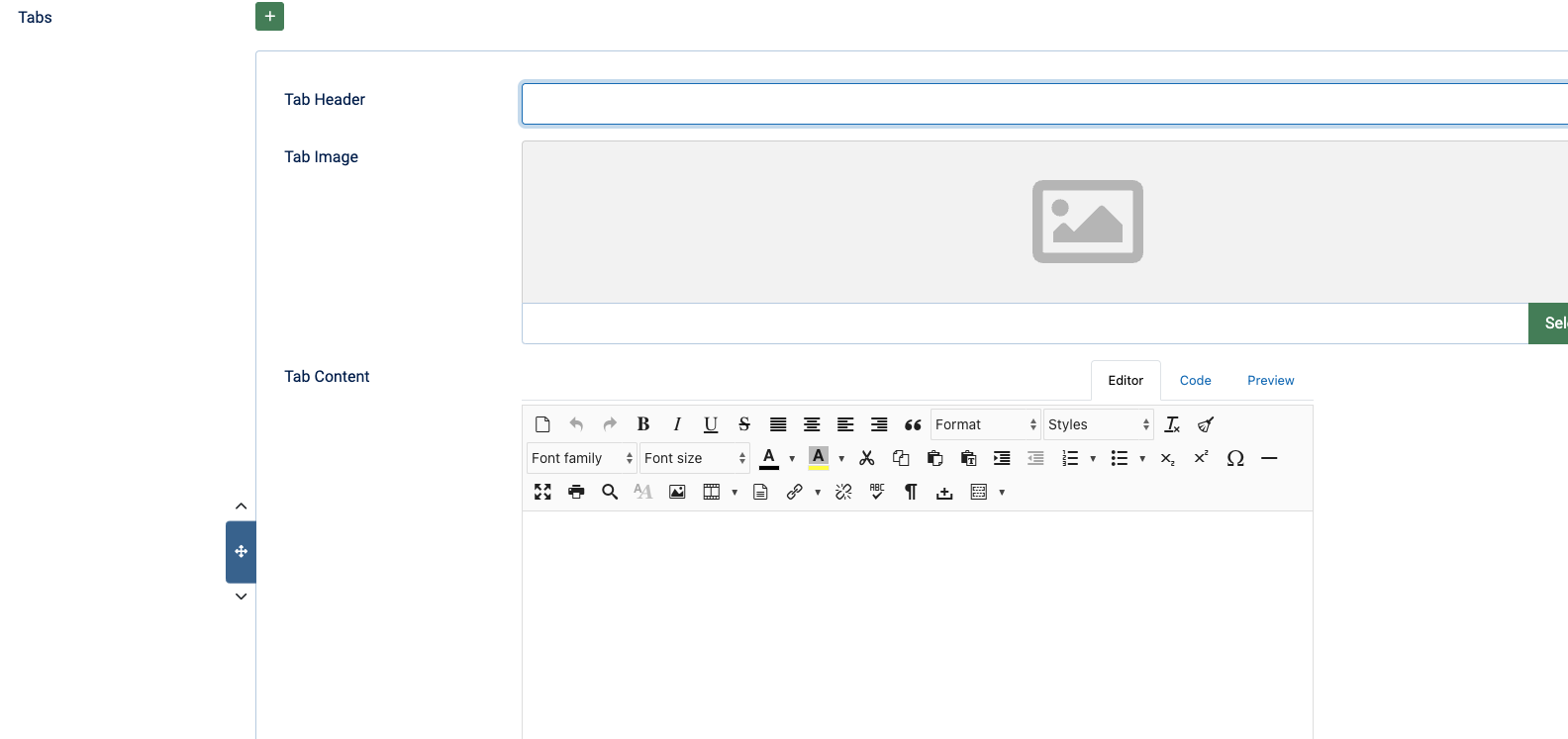
Creating Articles 02 February, 2021This is where you'll create articles in the qBase Simple Site backend. Create Article To create articles, in the backend, go to Content > Articles > Press the (+ New) Button Category Select the category that the article should be in. Add Content Add your content into all the neccessary fields. Save Save your progress often to continue working -or- Save and Close to go back to the Articles section when complete. Create Article Category Add Content Save Top Contact More Posts Latest Posts ✅ Do's and 🚫 Dont's February 26, 2025 Changing Image Format for Instagram February 26, 2025 Managing Articles February 26, 2025 Creating Articles February 26, 2025 Article Fields February 26, 2025 Article Creation & Management February 26, 2025 Other Categories Setup February 26, 2025 Site Config Setup February 26, 2025 Accessibility February 26, 2025 SEO & Meta February 26, 2025 More qBase Simple Sites Posts
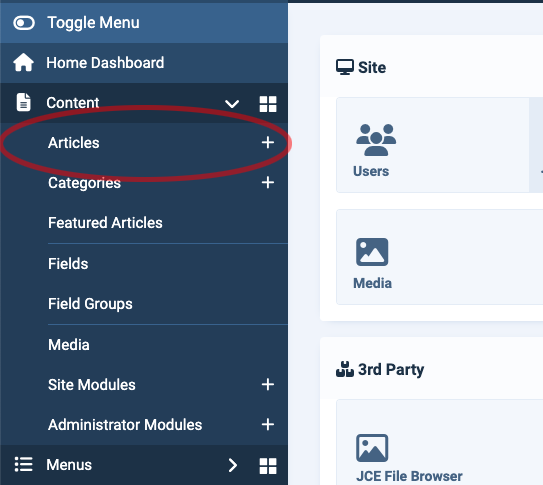
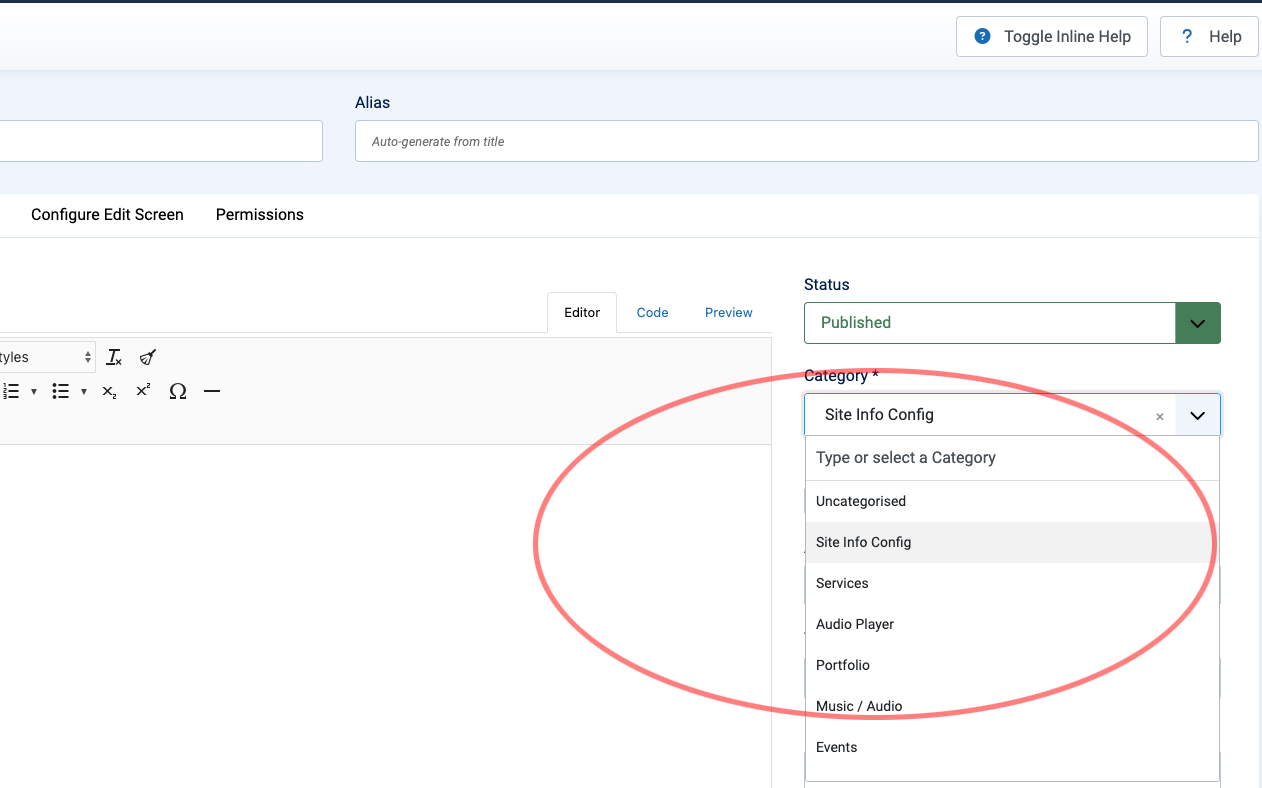
Create Article To create articles, in the backend, go to Content > Articles > Press the (+ New) Button
Save Save your progress often to continue working -or- Save and Close to go back to the Articles section when complete.