
Key Features
qBase Simple Site™ gives you access to a host of features that make it possible to add and maintain content and visual assets.
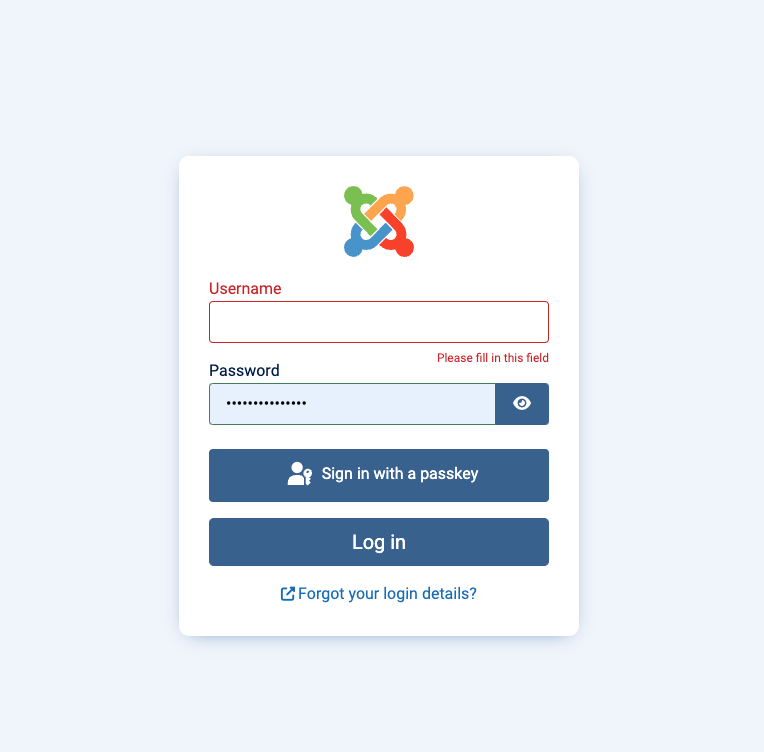
Login

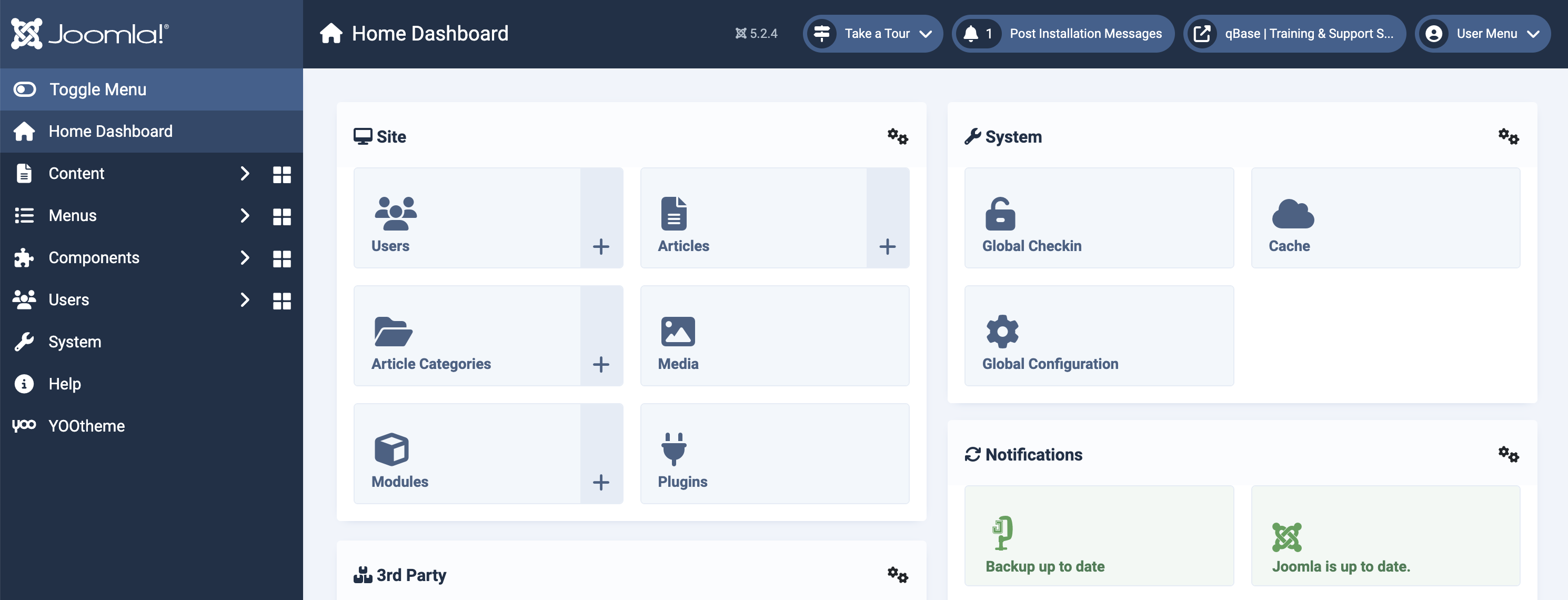
This will take you to the administrative backend of your site, where you’ll manage all the content for your site.
To login to your site, go to:
1) www.yourwebsite.com/administrator
2) Type in your Username + Password
Content Categories
Categories contain your information for the different sections and functionality of your site.
The various categories range as follows: Site Info Config, Services, Portfolio, Audio Player, Events, Shop, Downloads, News / Blog (more to come!)
Content Articles
Articles have all the tasty and information-filled magic that the categories have, but more specific and informational and also contextually defined by the whatever categories you choose for them.
WYSIWYG Content Editor
Your (What You See Is What You Get) content editor is a user-friendly tool that allows you to create and edit content, format text, insert images, and create links.
File Browser Manager
Organize, and manage files and directories on a computer or server. It provides a graphical interface where users can perform tasks such as creating, deleting, moving, copying, and renaming files and folders.
User Manager
This allows administrators to manage user accounts and permissions in order to create, edit, and organize users, as well as assign them to different user groups with specific access levels and permissions for your site.
Tags
Tags in the Joomla backend enhance content organization and user experience by allowing flexible categorization and intuitive navigation, making it easier for users to find related content.
SEO & Meta
Enhance your website's visibility and performance.
